Your business card, reimagined.
IntroCard turns your portrait, name, and company details into a polished digital business card. Share it with a QR code or an Apple Wallet pass, scan the physical cards people hand you, and see everyone on a map of where you met them. No account, no tracking, nothing ever leaves your device.
See it in action
A quick tour of creating your card, sharing it, and scanning the cards you receive.
One card. Every way to share.
Everything you need to hand out your details, and to keep the details people hand you.
Your digital business card
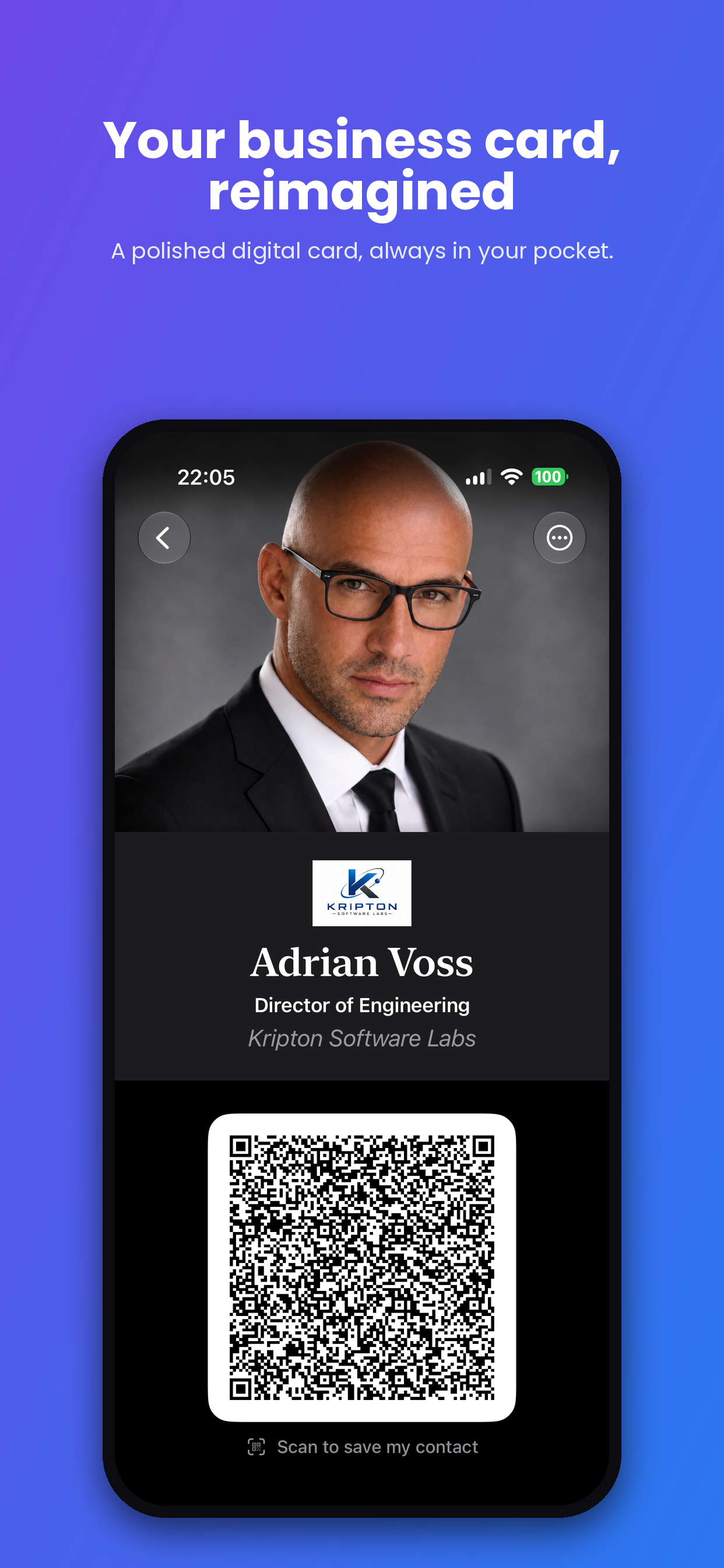
A clean, elegant card with your portrait, name, title, company, contact details, tagline, and accent color. Add your company logo for a professional finish.
Scannable vCard QR
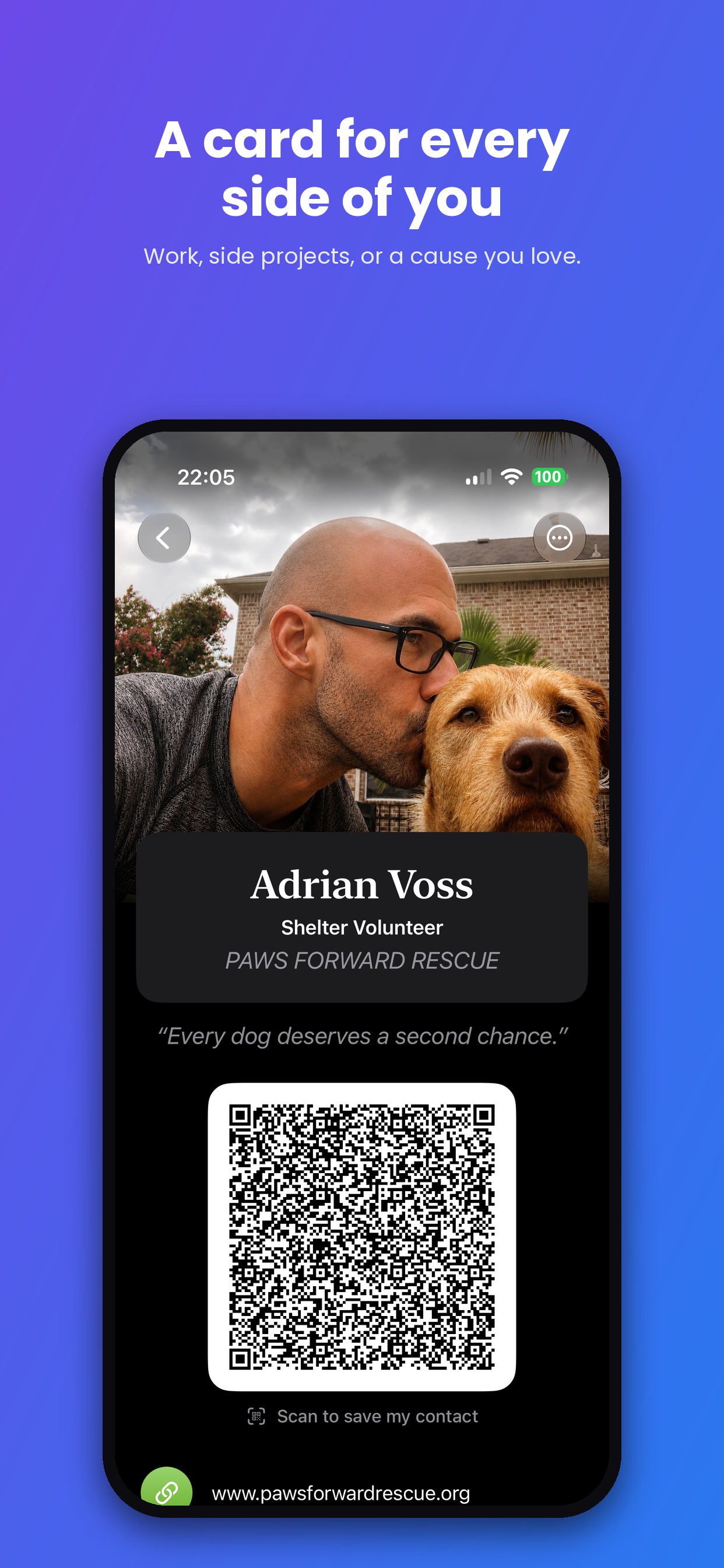
Anyone can scan your QR code with their phone camera and save your full contact details instantly. No app required on their end.
Apple Wallet pass
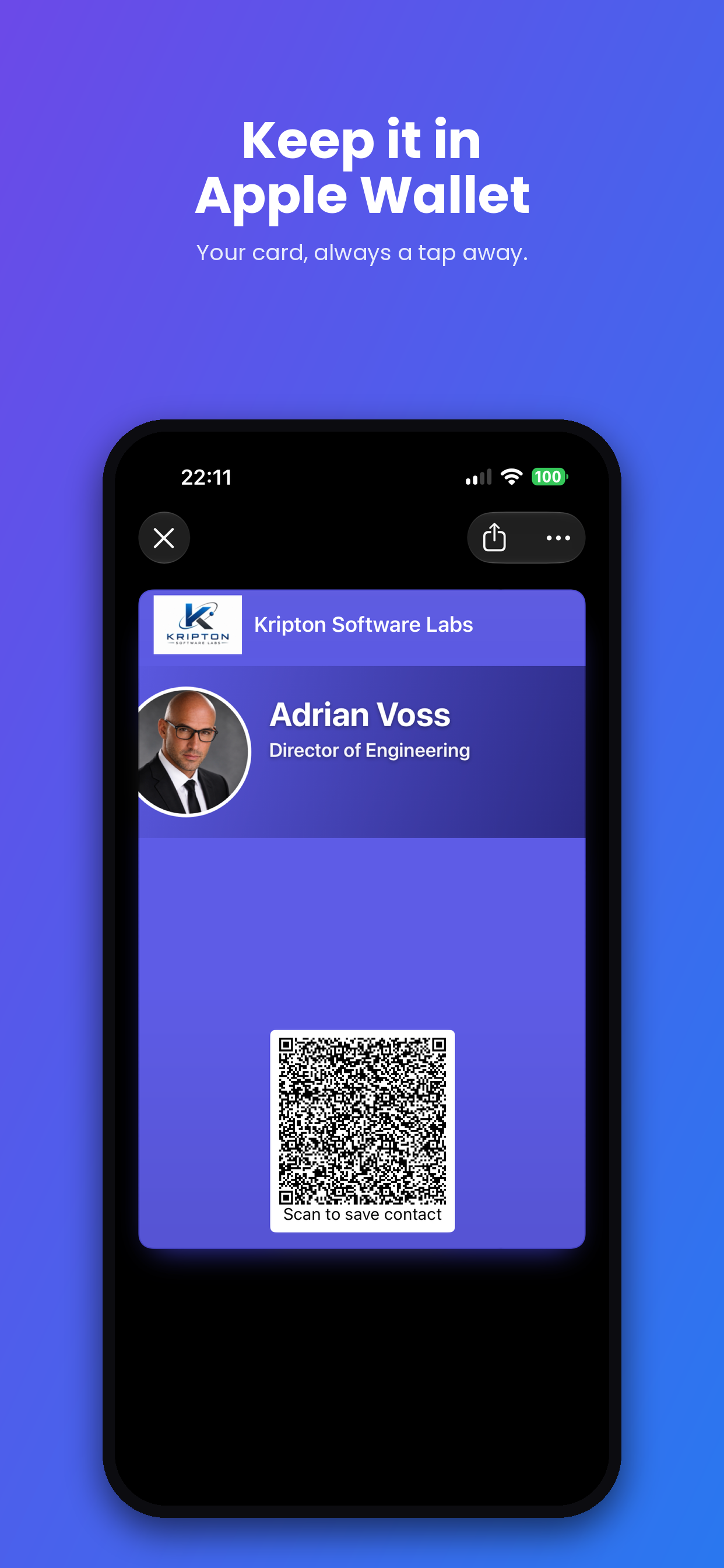
Add your card to Apple Wallet so it is just a double-click away, right from your lock screen. All your details live on the back of the pass.
A card for every role
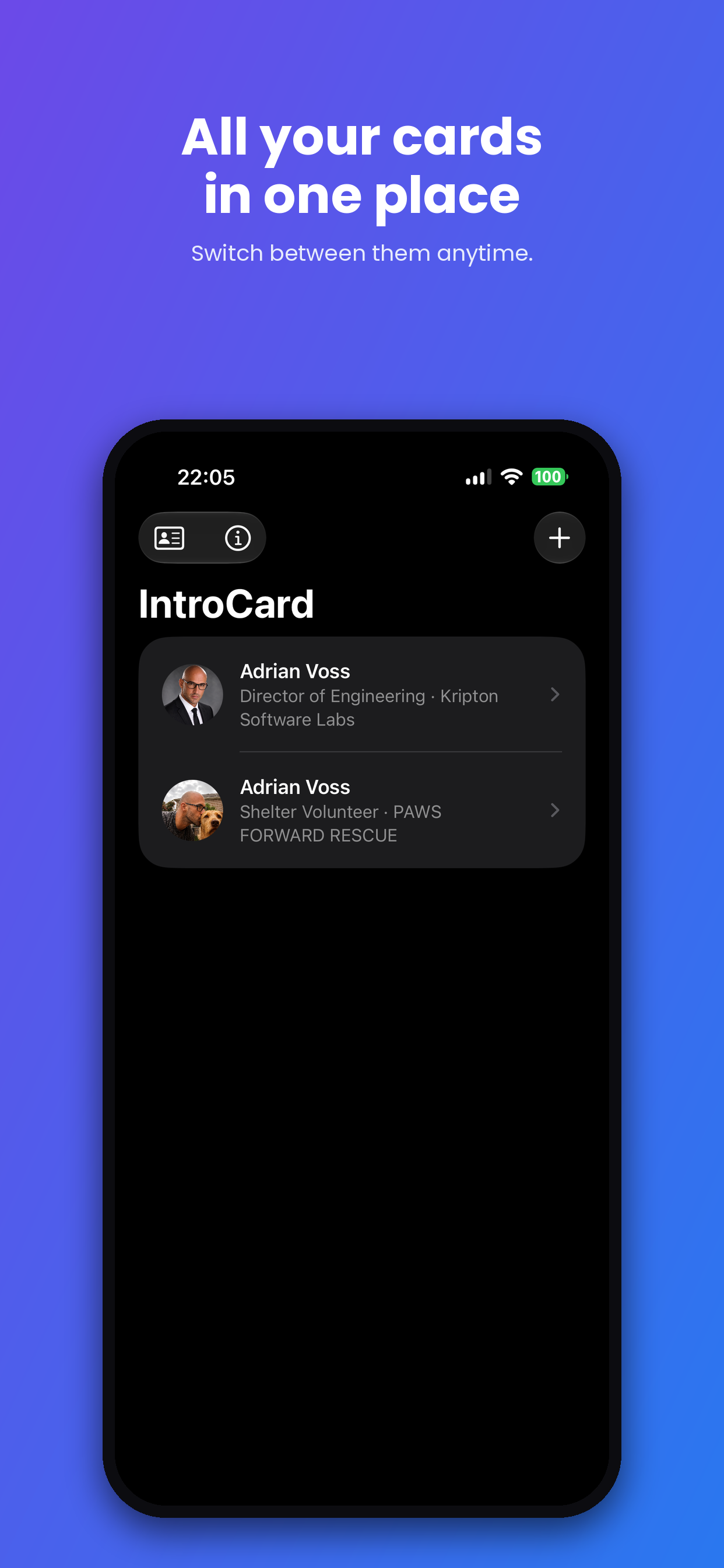
Keep multiple cards for work, side projects, or a cause you love, and switch between them anytime.
Scan paper cards
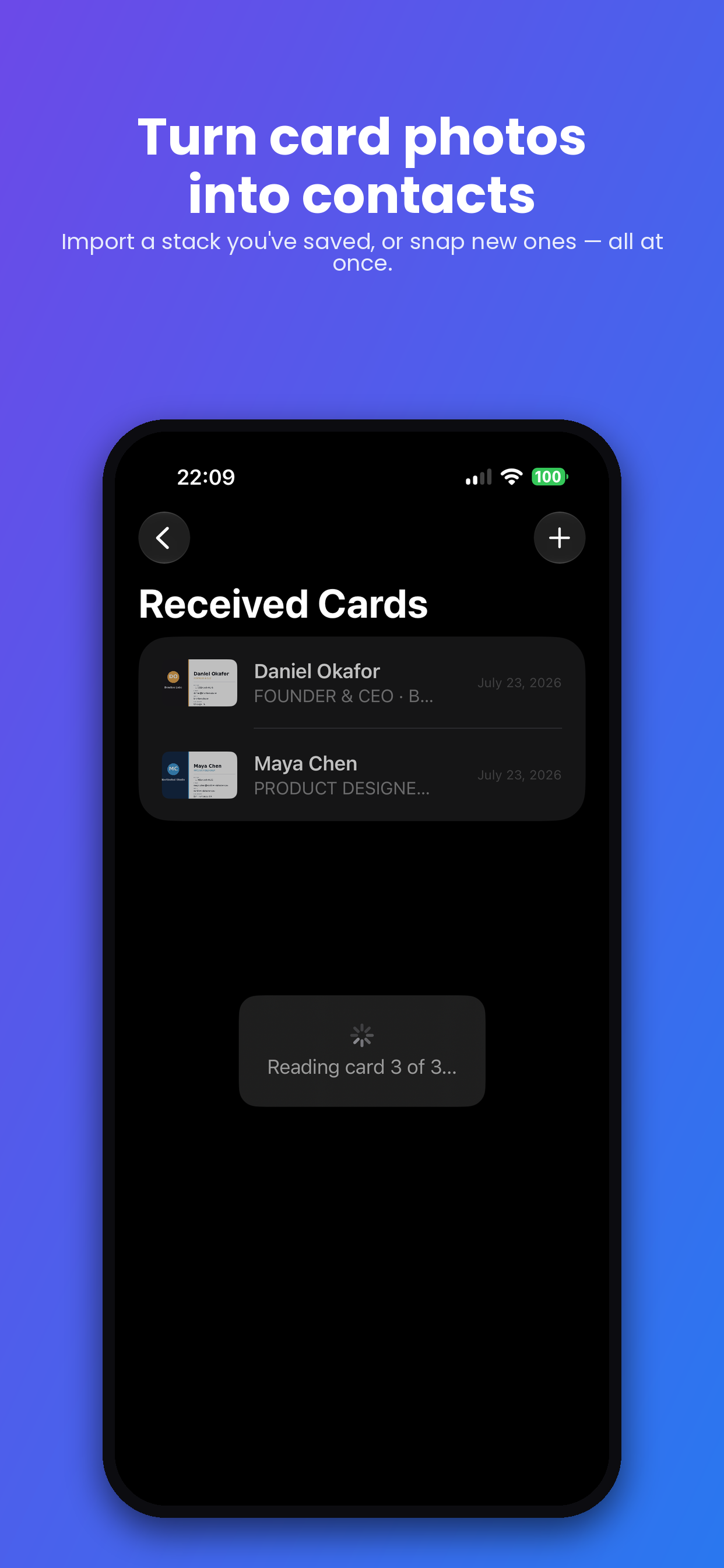
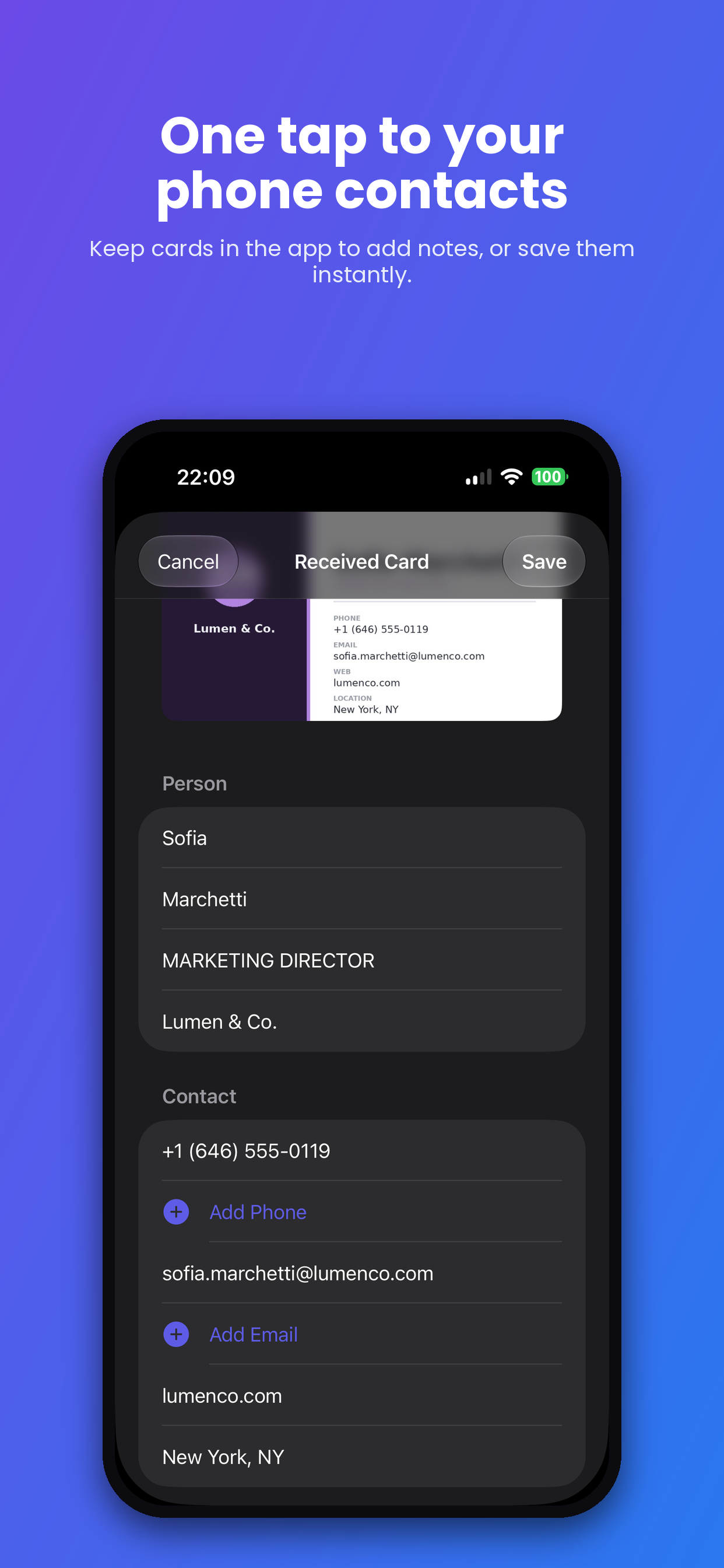
Point the camera at a physical business card someone hands you, or import photos of cards you already took. Scan a whole stack in one go.
Smart field extraction
On-device text recognition reads the name, title, company, phones, emails, and address from the card. Nothing is sent to a server.
Notes and photos
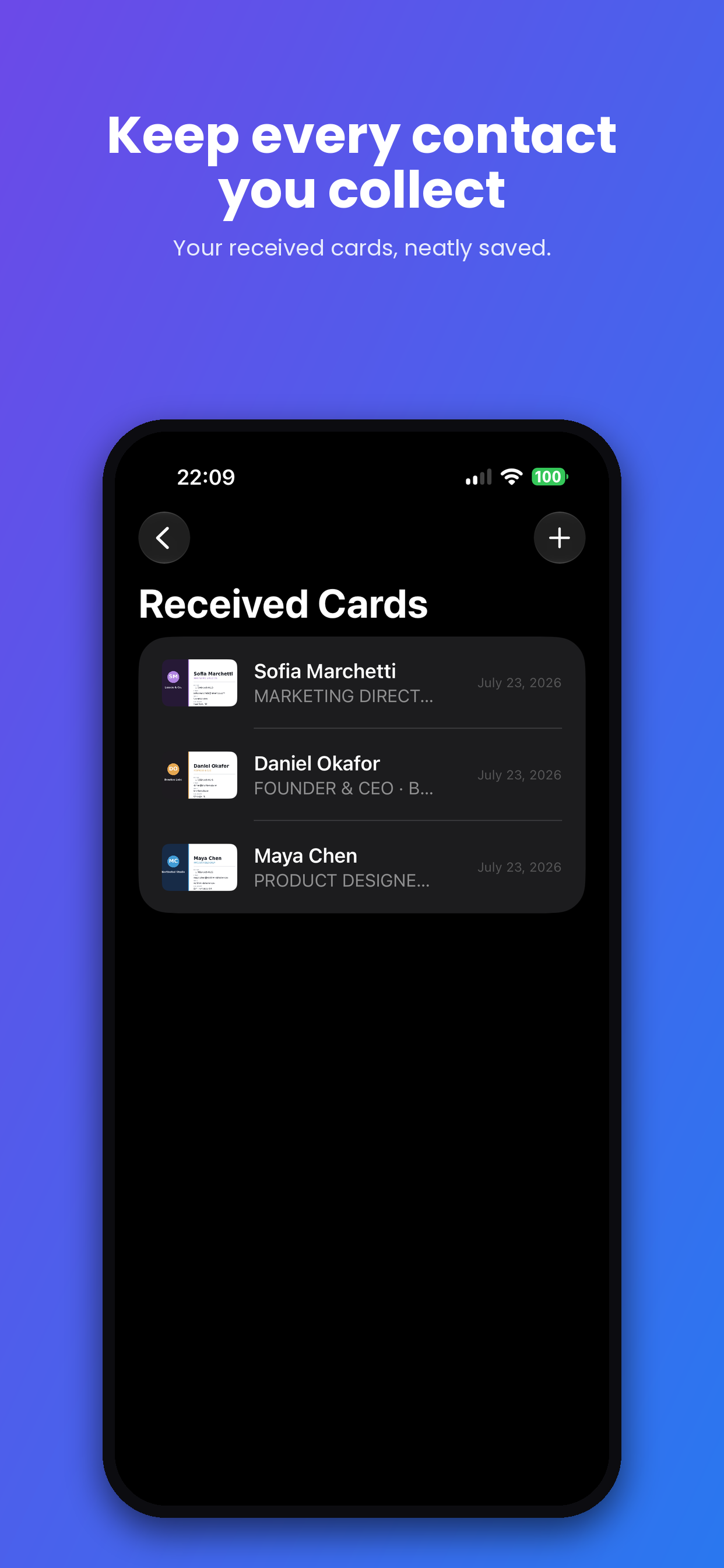
Remember where you met. Add notes and attach photos to every card you receive.
One tap to Contacts
Export any received card straight to your iPhone Contacts with the details pre-filled.
Socials and documents
Add your social profiles and a document link, like a brochure or price list, so they travel inside your QR code.
Remember where you met
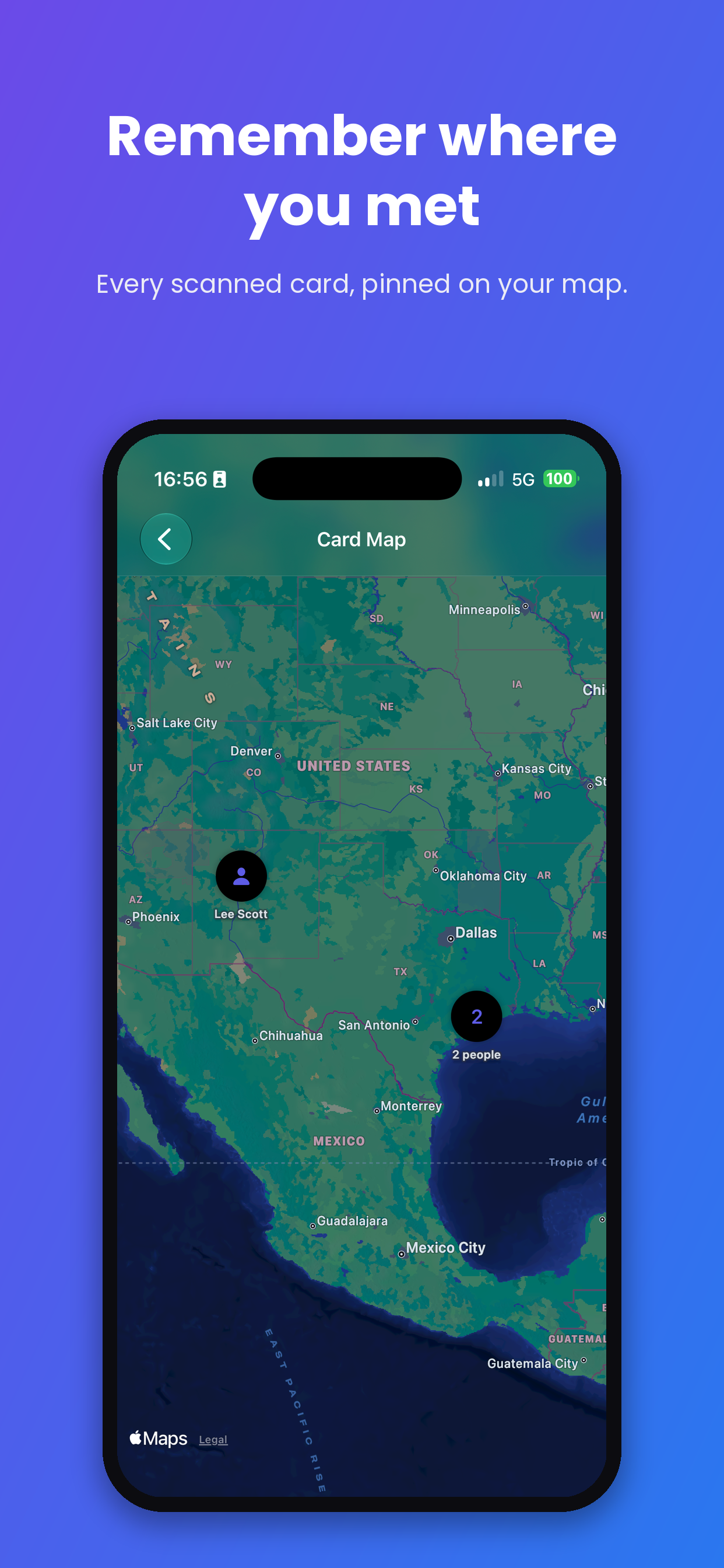
Scanned cards are tagged with the place you scanned them, and the Card Map shows everyone pinned where you met. Name the place yourself, like a conference or a client office.
Find anyone in seconds
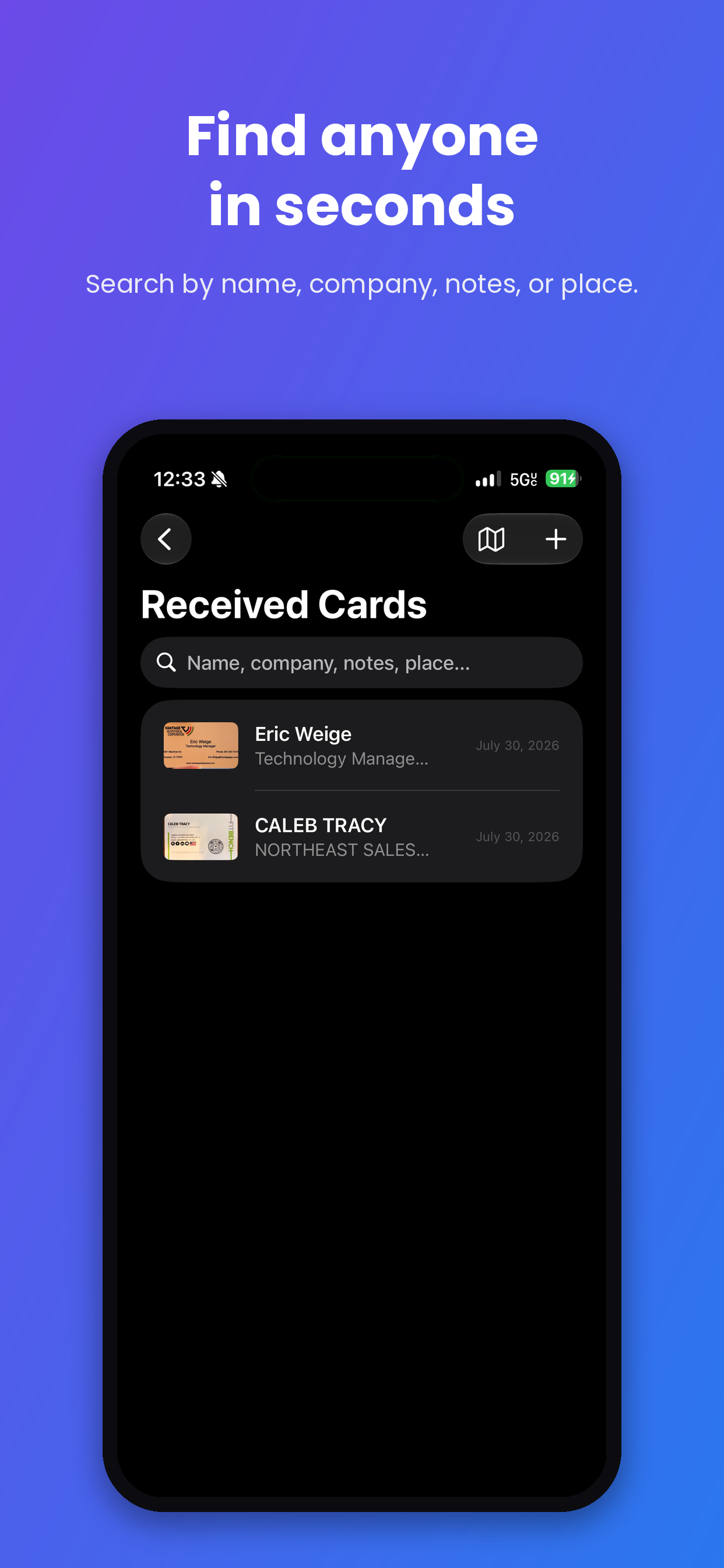
Search your received cards by name, company, notes, or place, so "who was that geophysicist from Houston" takes one keystroke, not one hour.
Call or email in one tap
Reach out straight from a scanned card. Cards stay in the app, not in your address book, until you decide someone belongs in your Contacts.
Print-ready card design
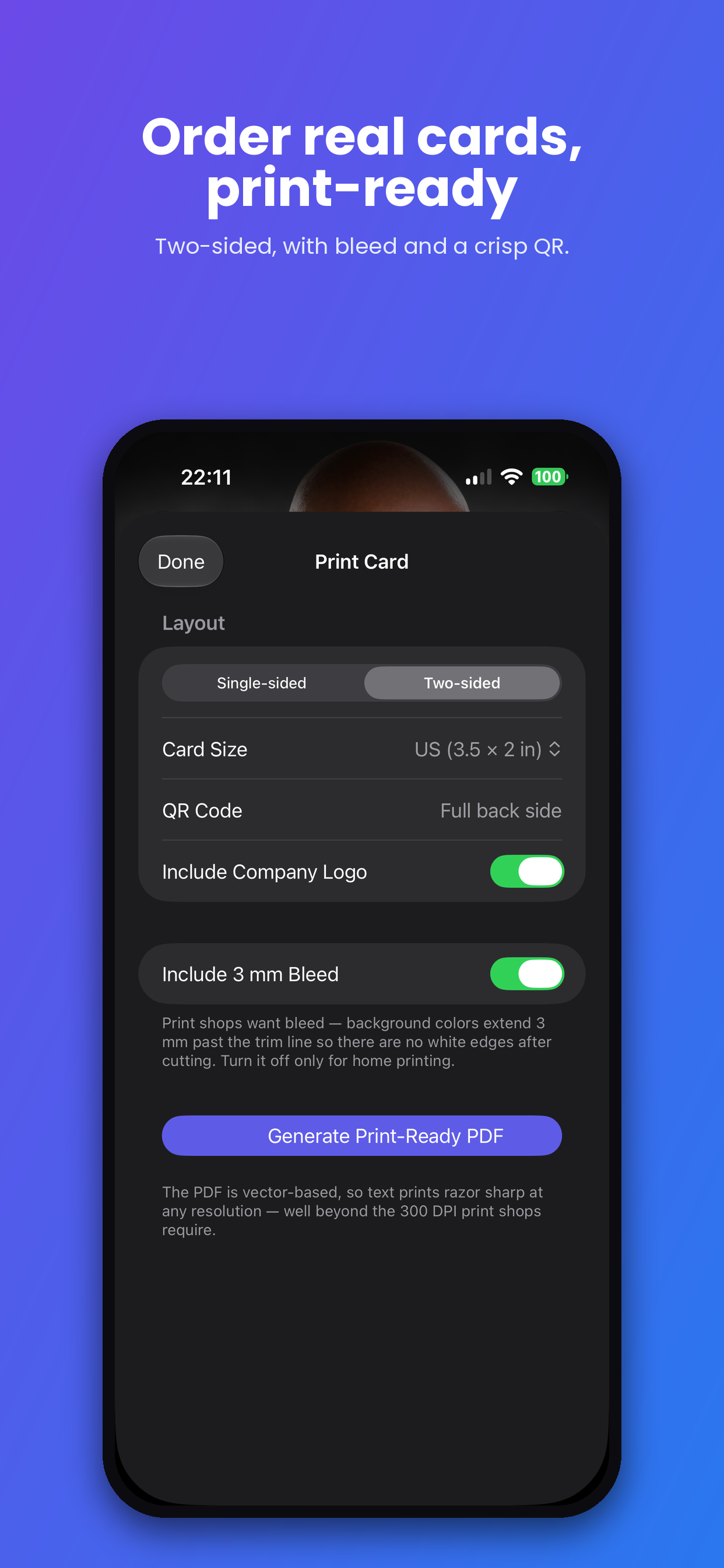
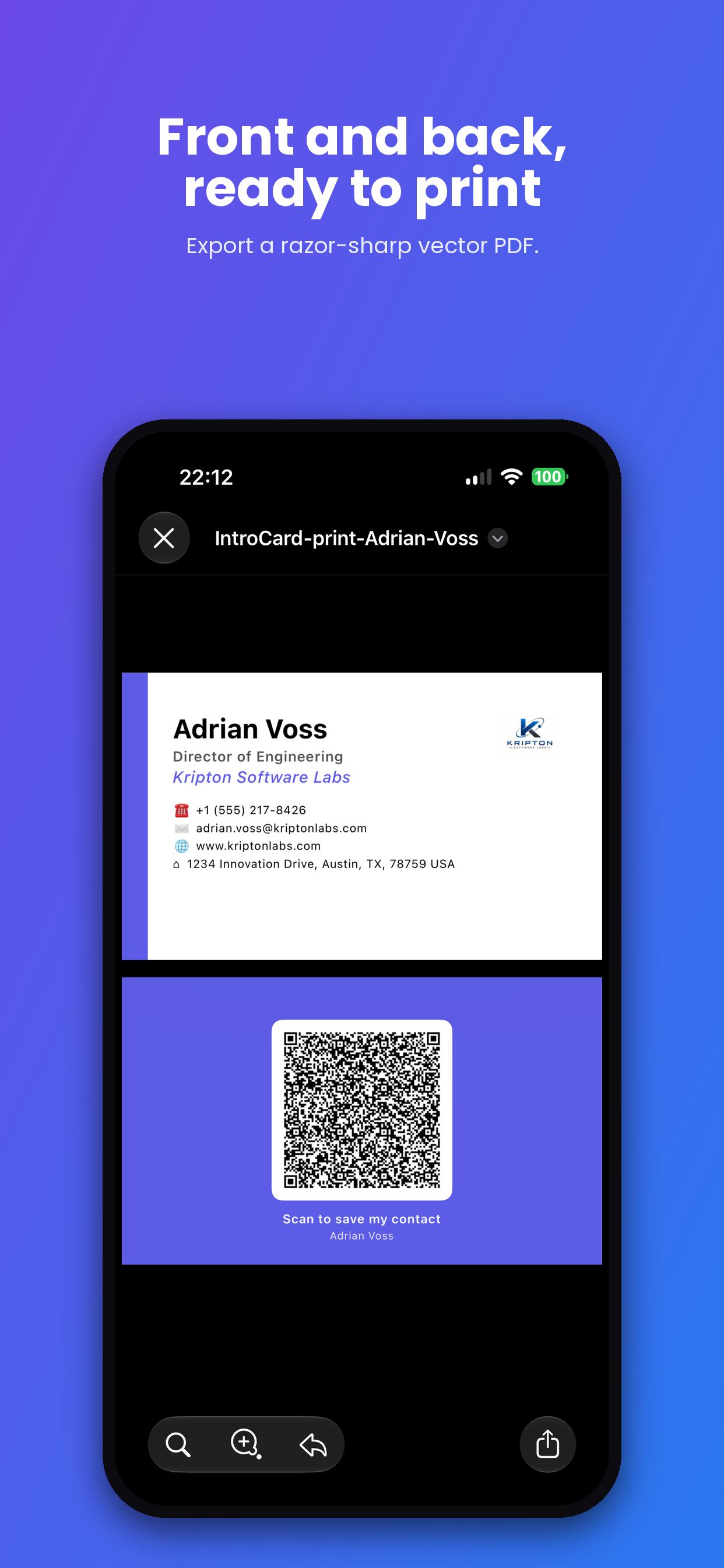
Generate a standard business card image, your info on one side and your QR code on the other, ready to send to any print shop.
iCloud sync
Your cards and scanned contacts stay in your personal iCloud and follow you across your devices.
Private by design
No account. No sign-up. No tracking. No servers. Everything happens on your phone and in your own iCloud.
From details to done in four steps.
Set it up once, then share it everywhere.
Add your details
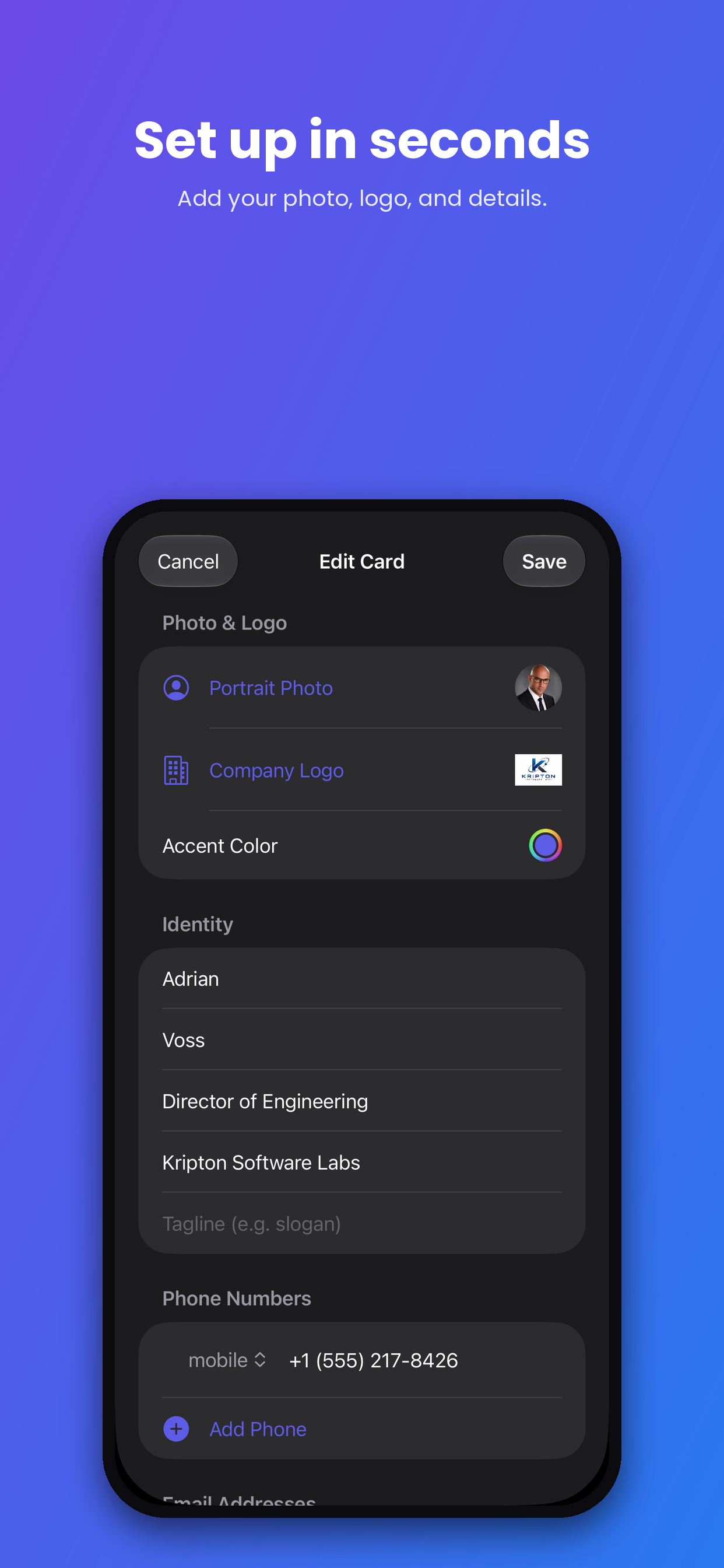
Import from Contacts or enter your name, title, company, and contact info, and add a portrait photo.
Share your QR
Show your QR code, or add your card to Apple Wallet so it is always at hand.
Scan cards you receive
Turn the physical business cards people hand you into contacts, pinned on a map of where you met.
Order physical cards
Export the print-ready card image and send it to your printer of choice.
Screenshots
A quick tour of IntroCard.